N'Ko Keyboard plugin1.0
Publisher Description
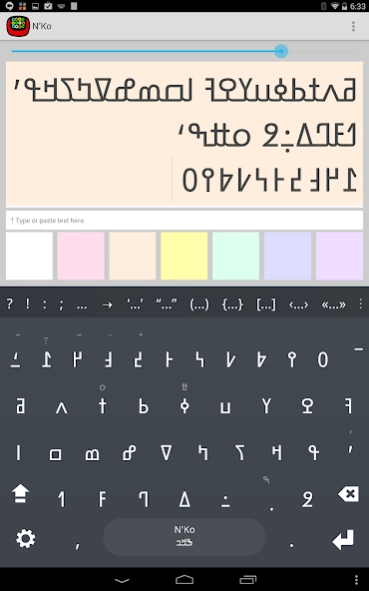
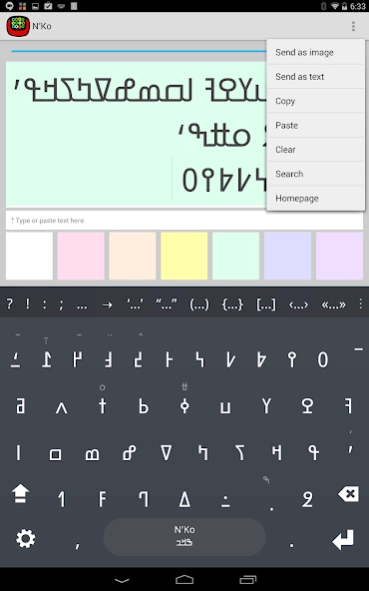
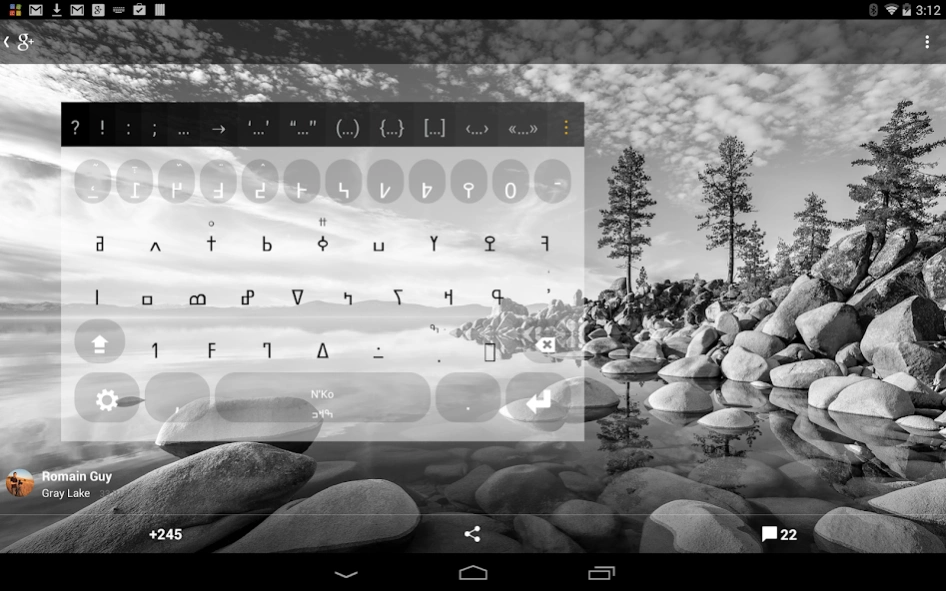
N'Ko plugin for Multiling O Keyboard
N'Ko font plugin for Multiling O Keyboard. This is not an independent app, please install OKeyboard along with this plugin.
Instruction:
⑴ Install this plugin and
Multiling O Keyboard
.
⑵ Run O Keyboard and follow its setup guide.
⑶ Slide space bar to switch languages.
Please email if you have any questions.
Wikipedia:
N'Ko (ߒߞߏ) is both a script devised by Solomana Kante in 1949 as a writing system for the Manding languages of West Africa, and the name of the literary language itself written in the script. The term N'Ko means I say in all Manding languages.
The script has a few similarities to the Arabic script, notably its direction (right-to-left) and the connected letters. It obligatorily marks both tone and vowels.
Photo: Gray Lake by Romain Guy
About N'Ko Keyboard plugin
The company that develops N'Ko Keyboard plugin is Honso. The latest version released by its developer is 1.0. This app was rated by 1 users of our site and has an average rating of 4.0.
To install N'Ko Keyboard plugin on your Android device, just click the green Continue To App button above to start the installation process. The app is listed on our website since 2014-09-07 and was downloaded 62 times. We have already checked if the download link is safe, however for your own protection we recommend that you scan the downloaded app with your antivirus. Your antivirus may detect the N'Ko Keyboard plugin as malware as malware if the download link to klye.plugin.man is broken.
How to install N'Ko Keyboard plugin on your Android device:
- Click on the Continue To App button on our website. This will redirect you to Google Play.
- Once the N'Ko Keyboard plugin is shown in the Google Play listing of your Android device, you can start its download and installation. Tap on the Install button located below the search bar and to the right of the app icon.
- A pop-up window with the permissions required by N'Ko Keyboard plugin will be shown. Click on Accept to continue the process.
- N'Ko Keyboard plugin will be downloaded onto your device, displaying a progress. Once the download completes, the installation will start and you'll get a notification after the installation is finished.
